- 1SYNTH / DRUM
- 2white
3.2.1 zoom / fine start introduction
type: a closer look at the sample, and a finer start · by maiko
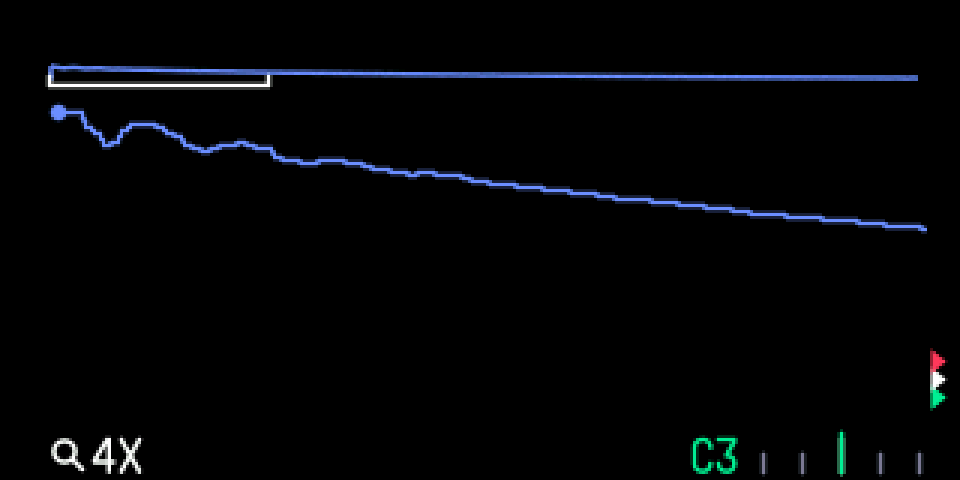
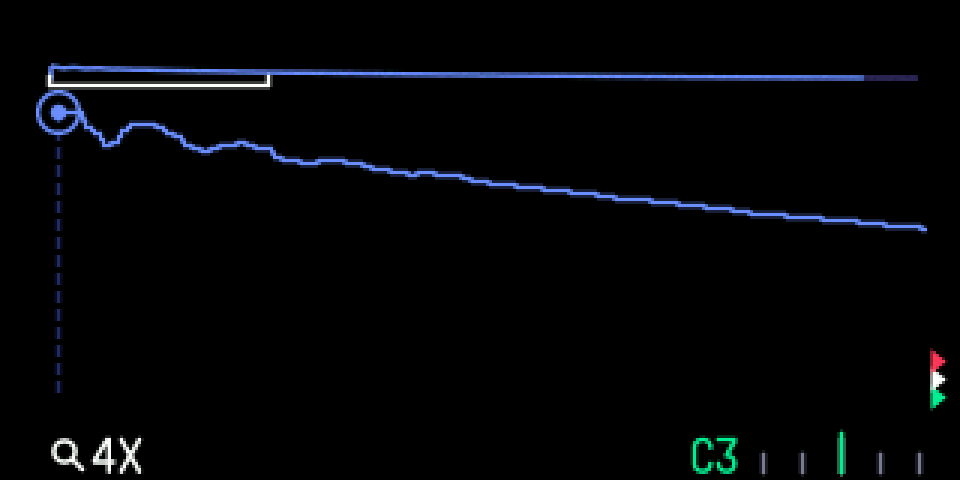
Press white to zoom into the wave, up to 32x, around the marker you moved last. SHIFT + white zooms out again. Zooming never moves start, end or the loop points.
On the synth sampler, hold the blue knob down and turn it to move the start in the smallest steps, about 8 samples a click, for clean starts.
These work on TE's sampler screens only: a synth sampler sound (SYNTH) and a drum sampler kit (DRUM). Other engines' screens are unchanged.
3.2.2 opening zoom / fine start
step 1
SYNTH / DRUM
step 2
white
SYNTH with a sampler sound, or DRUM with a sampler kit. Press white.
3.2.3 knobs
press
blue
—
green
—
white
zoom in: 2x, 4x … 32x
orange
—
shift + press
blue
—
green
—
white
zoom out, down to TE's own view
orange
—
3.2.4 keys
hold blue down and turn
synth sampler: move the start in fine steps
3.2.5 tips
- The view follows the marker whose knob you turned last.
- Markers outside the view show as arrows at its edges. A white bracket under the overview strip marks the part you see, and the bottom shows a magnifier and the zoom.
- The zoom resets when you change slot, sound or drum key.
- On the drum sampler, TE's own SHIFT + green already moves the start finely.