- 1SYNTH
- 2SHIFT + green
3.3.1 pitch / retune introduction
type: see a sample's note, tune it in one press · by maiko
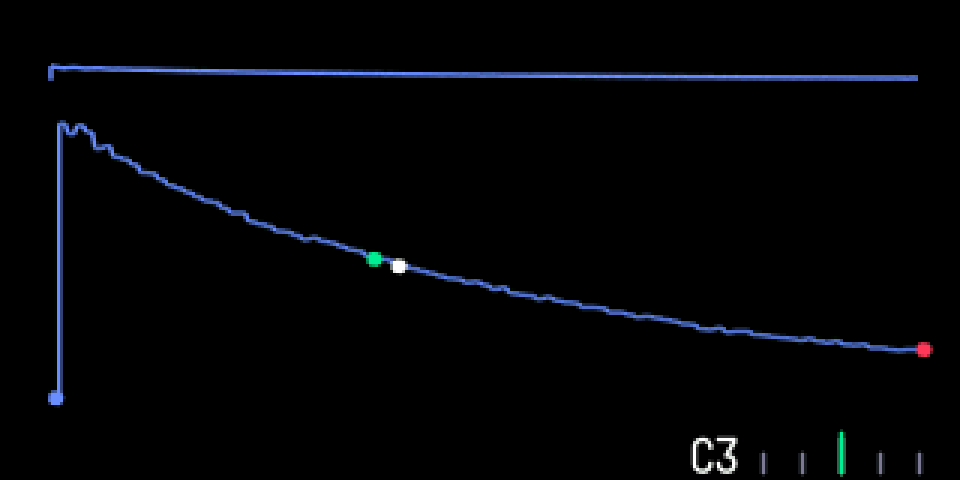
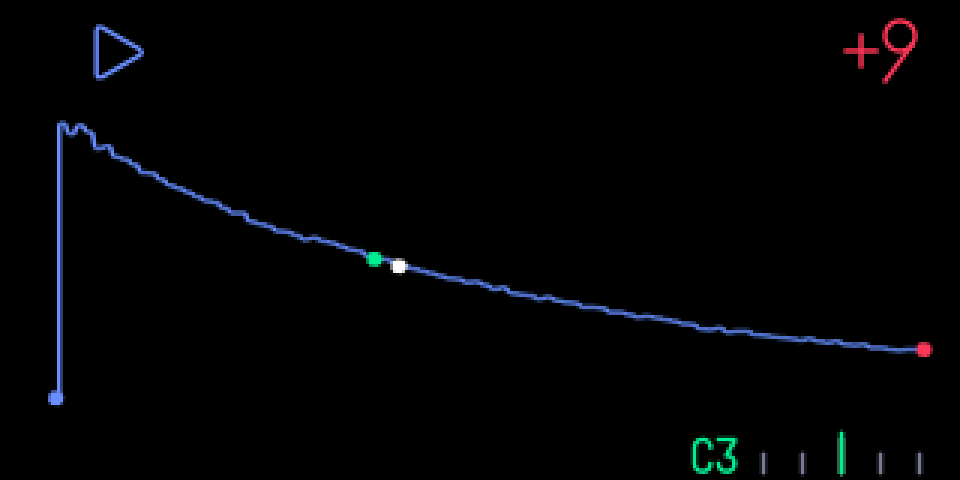
The synth sampler shows the note of the part you use at the bottom of the screen, with a tuner needle from -50 to +50 cents that turns green within 3 cents.
SHIFT + green tunes the sound to that note, so the keyboard plays the sample in tune: the key with that note's name plays it at its own pitch. The note name turns green when the sound is in tune. Press it again to go back.
These work on TE's sampler screens only: a synth sampler sound (SYNTH) and a drum sampler kit (DRUM). Other engines' screens are unchanged.
3.3.2 opening pitch / retune
step 1
SYNTH
step 2
SHIFT + green
SYNTH with a sampler sound. The note shows at the bottom; SHIFT + green retunes.
3.3.3 knobs
shift + press
blue
—
green
retune to the note shown; again: back
white
—
orange
—
3.3.4 tips
- Note names use TE's octave numbering: middle C (261.6 Hz) is C3.
- The note updates when you move start or end or sample something new. Noise and silence show none.
- Synth sampler only.