- TAPE + T1 / T2 / T3 / T4
1.5.1 tapes 1 … 4 introduction
type: four separate tapes · by maiko
Four tapes instead of one, each with its own tracks, clips, loop, tempo, album (side a / b) and undo history. Hold TAPE and press T1 … T4 to switch; a popup shows the tape and its tempo.
Tape 1 is TE's own tape, the one stock firmware uses, so it is still there if you go back. Tapes 2 to 4 are made the first time you switch to them, empty and at the current tempo, and only use flash for what's recorded on them.
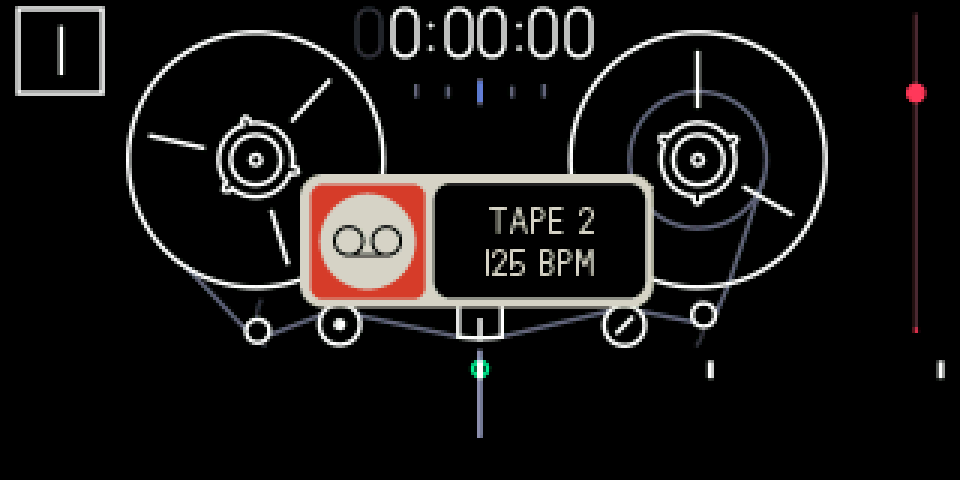
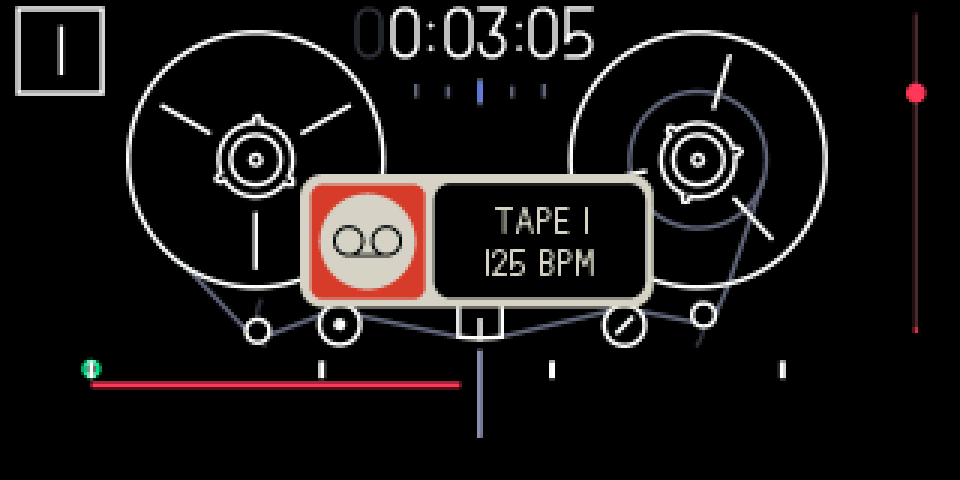
1.5.2 opening tapes 1 … 4
+///
TAPE + T1 / T2 / T3 / T4
Tape mode. Hold TAPE and press T1, T2, T3 or T4.
1.5.3 keys
+///
TAPE + T1 / T2 / T3 / T4
switch to tape 1 … 4. If the tape is playing it stops first; on the tape you're on, just the popup
///
T1 … T4 alone
select the track, as before
1.5.4 tips
- Switching clears the undo history: undo only works on the tape it was made on.
- Refused while recording and in disk mode.
- Disk mode shows the tape you're on: switch first to get another tape's tracks onto your computer.
- The tapes share the flash. When it runs low, REC shows FULL instead of recording, because a take that ran out of flash would be lost. A new tape needs 64 MB free.
- There's no way to delete a tape yet. A factory reset removes all of them, with the rest of your user data.
- Stock firmware only sees tape 1; tapes 2 to 4 stay on the flash, untouched, until you come back. The FILE screen counts every tape under tape.