- 1TAPE
- 2T1 / T2 / T3 / T4
- 3TAPE + SHIFT + DROP
1.4.1 bounce introduction
type: mix the loop's four tracks onto one · by maiko
Mixes tracks 1 to 4 over the loop onto the selected track, so you can free up tracks the way a 4-track tape bounce does.
The other tracks are kept: lift them once you're happy. Until then the loop plays both the sources and the mix, so it sounds louder.
1.4.2 opening bounce
step 1
TAPE
step 2
T1 / T2 / T3 / T4
step 3
TAPE + SHIFT + DROP
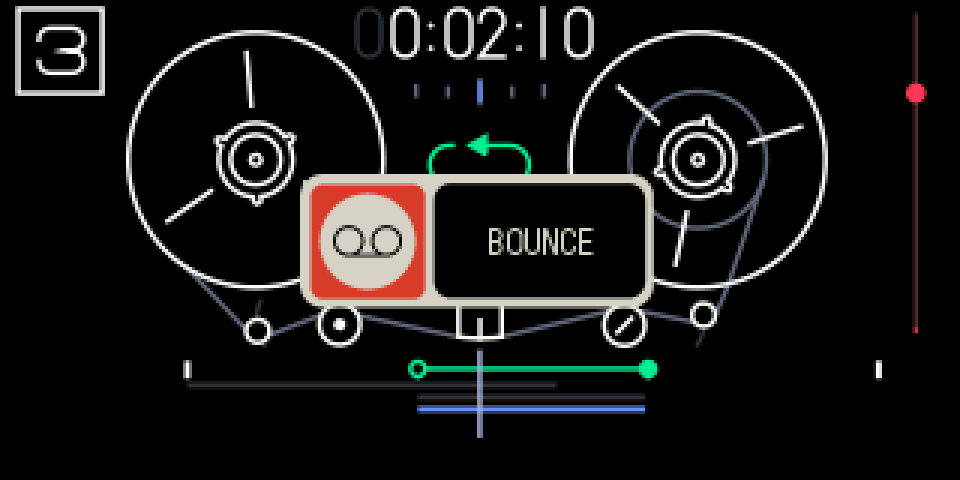
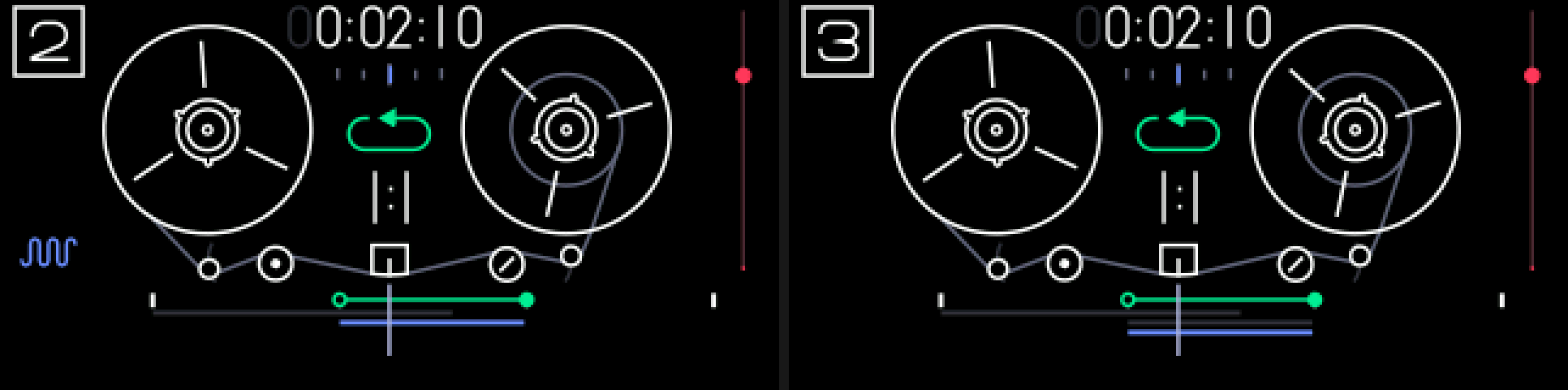
Tape mode, loop on. Select the track to bounce to, then hold TAPE and SHIFT and press DROP.
1.4.3 keys
TAPE + SHIFT + DROP
bounce the loop onto the selected track
TAPE + ←
undo it: one step
1.4.4 the mix
The mix replaces what was on the selected track over the loop. That track is one of the four, so its own audio is in the mix.
Tracks are mixed as recorded: the mixer's volume and pan aren't applied. If the sum would clip anywhere, the whole mix goes through a soft limiter; otherwise it is the exact sum.
1.4.5 tips
- Needs the loop on. A BOUNCE popup shows for about a second; no popup means it was refused.
- If the playhead is inside the loop while playing, you hear a short dropout, as after TE's DROP. Nothing is lost.