- 1TAPE + LIFT
- 2TAPE + DROP
1.3.1 copy loop / paste at end introduction
type: copy the loop without cutting, paste it after the end · by maiko
TAPE + LIFT copies the loop's four tracks into the clipboard without cutting anything, and playback goes on. TAPE + DROP pastes the clipboard at the end: at the loop's out point with the loop on, after the last clip with it off.
With the loop on, the loop moves onto the copy, so that's what plays next and the next TAPE + DROP adds another copy after it. A way to build a song out of a loop while it plays.
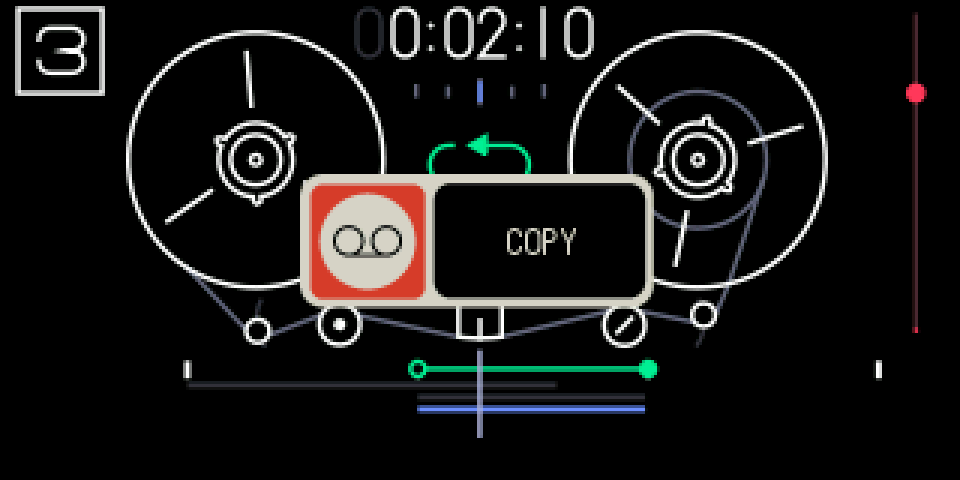
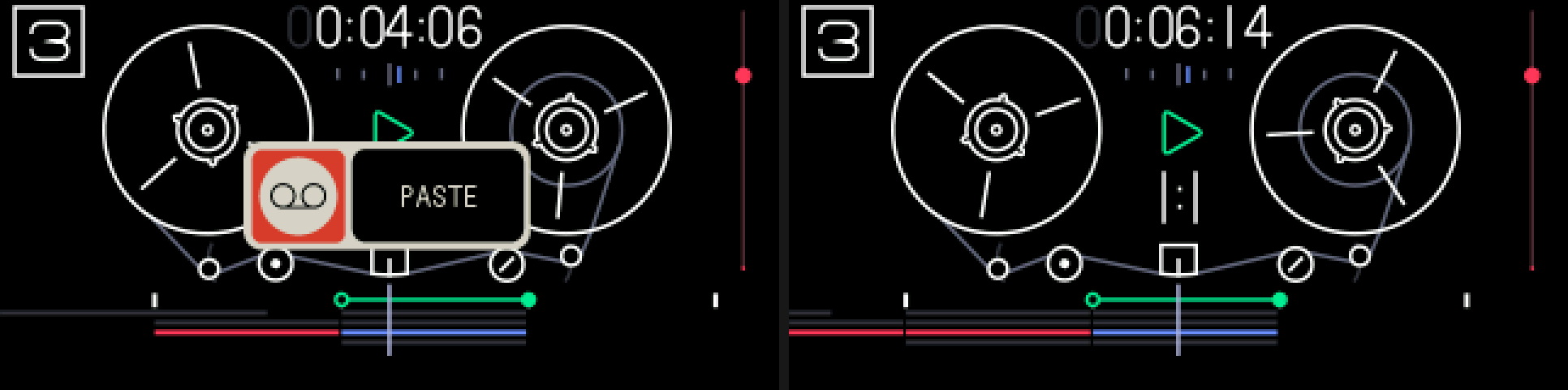
1.3.2 opening copy loop / paste at end
step 1
TAPE + LIFT
step 2
TAPE + DROP
Tape mode, loop on. Hold TAPE and press LIFT to copy, then TAPE + DROP to paste.
1.3.3 keys
TAPE + LIFT
copy the loop: all four tracks, nothing cut, playback goes on
TAPE + DROP
paste at the end: at loop out with the loop on (the loop moves onto the copy), after the last clip with it off
TAPE + ←
undo the paste: one step
1.3.4 tips
- Copying needs the loop on and shorter than about 22 s. It writes nothing, so it isn't an undo step.
- TAPE + DROP pastes whatever is in the clipboard: a copy, a lift all, or one lifted track (that one goes onto the selected track).
- Undoing a paste takes back the audio and clips. The loop stays where it moved to.
- If the playhead is inside the pasted part, you hear a short dropout, as after TE's DROP.
- COPY and PASTE popups show for about a second; no popup means it was refused (no loop, an empty clipboard, recording, or no room left on the tape).