- 1SHIFT + SEQ
- 2blue
7.2.1 dots introduction
type: six step sequencers, up to 64 steps · by pcppcp / op1r ↗
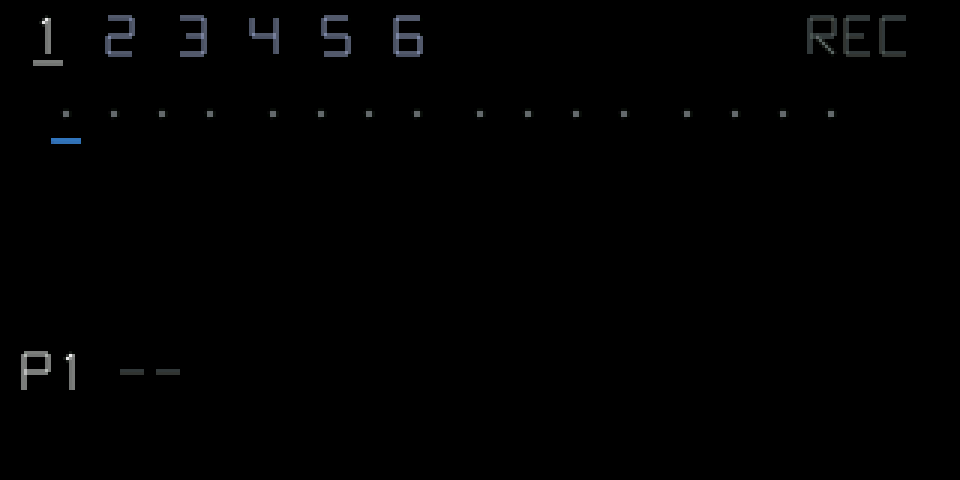
Six step sequencers playing at the same time, each up to 64 steps: four rows of 16 dots. A grey dot is an empty step, a green dot a trigger with its own note and level. Steps are 16th notes.
New sequencers are in the sequencer list: SHIFT + SEQ. Both work for synths and drums, run at the OP-1's tempo and have six slots that play at the same time. Their settings are saved.
7.2.2 opening dots
step 1
SHIFT + SEQ
step 2
blue
SHIFT + SEQ, then turn blue to DOTS.
7.2.3 knobs
turn
blue
move the cursor
green
—
white
—
orange
start / stop the slot
shift + turn
blue
—
green
—
white
select the slot (1 … 6)
orange
start / stop all slots
7.2.4 keys
REC
recording on / off (on the dots screen it doesn't arm the tape)
press orange
switch between REC (step) and LIVE recording
SHIFT + C#
start / stop all slots
SHIFT + F G A B
pattern 1 … 4
SHIFT + G A B C D E
mute / unmute slot 1 … 6
SHIFT + D#
mute / unmute all
LIFT / DROP / SCISSORS
copy / paste / cut the slot; with SHIFT the whole pattern
7.2.5 recording
REC (step): a note key puts a trigger at the cursor and moves on.
LIVE: while the slot runs, what you play is recorded at the playhead, snapped to the steps, with the note length taken from how long you hold the key. While the slot is stopped, LIVE records at the cursor. Keys always sound.
While recording: orange sets the trigger's level, SHIFT + blue erases as it moves, green changes the slot's length, SHIFT + green extends it to the next full row and copies the row above into it.
White edits the trigger under the cursor; press white to choose what it edits: gate (5 to 100 %, or tie), ratchet (1 to 8 hits), chance (0 to 100 %), condition (play only in loop a of b: ALL, 1:2 … 4:4), nudge (up to half a step early or late) and ratchet level ramp (off, up, down).
7.2.6 tips
- New triggers start with default settings. Recording over a trigger only changes its note.
- Use SHIFT + green to build a long part quickly: record one row, extend, change a few steps.