- 1SYNTH / DRUM
- 2SHIFT + 1 … 8
4.2.1 delete / rename sounds introduction
type: tidy up the sound browser · by maiko
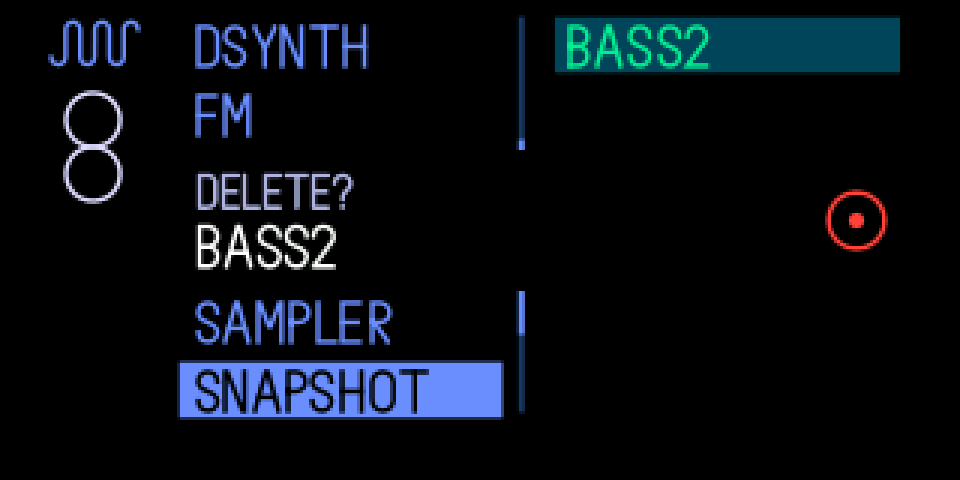
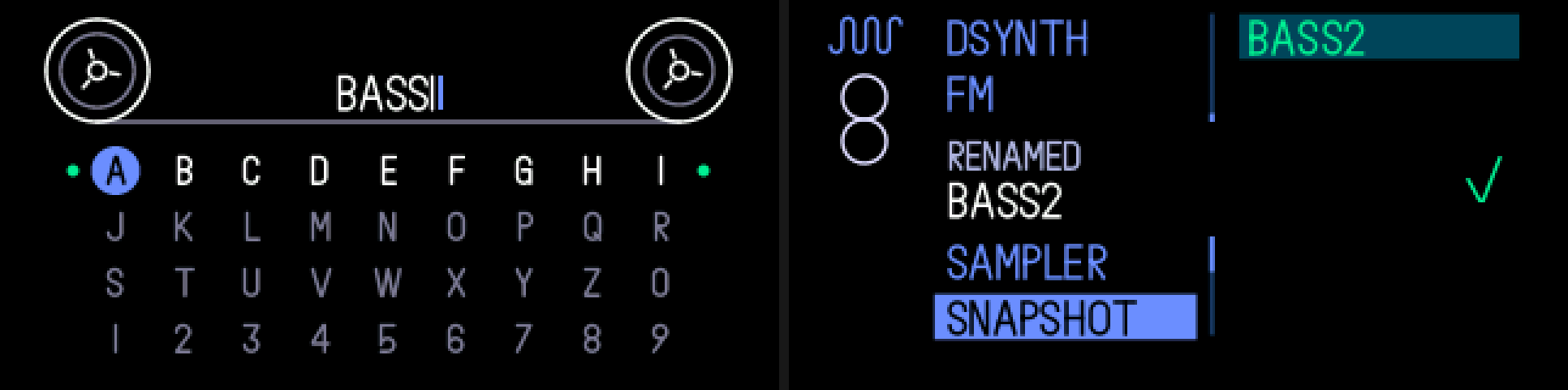
Delete or rename your own sounds and snapshots right in the sound browser. On a sound, press orange to delete it (orange again to confirm), or white to rename it on the snapshot naming screen.
4.2.2 opening delete / rename sounds
/
step 1
SYNTH / DRUM
+
step 2
SHIFT + 1 … 8
SYNTH or DRUM, SHIFT + a sound key (1 … 8) for the browser, then move to one of your sounds.
4.2.3 knobs
press
blue
—
green
—
white
rename
orange
delete
4.2.4 keys
press orange twice
delete: a DELETE? band shows; orange again deletes, any other key or knob cancels
press white
rename: the naming screen opens with the name in it
turn / press blue
on the naming screen: pick and type letters, as for a snapshot
←
delete the last letter
press white again
save the new name
///
SYNTH / DRUM / TAPE / MIXER
cancel the rename
4.2.5 tips
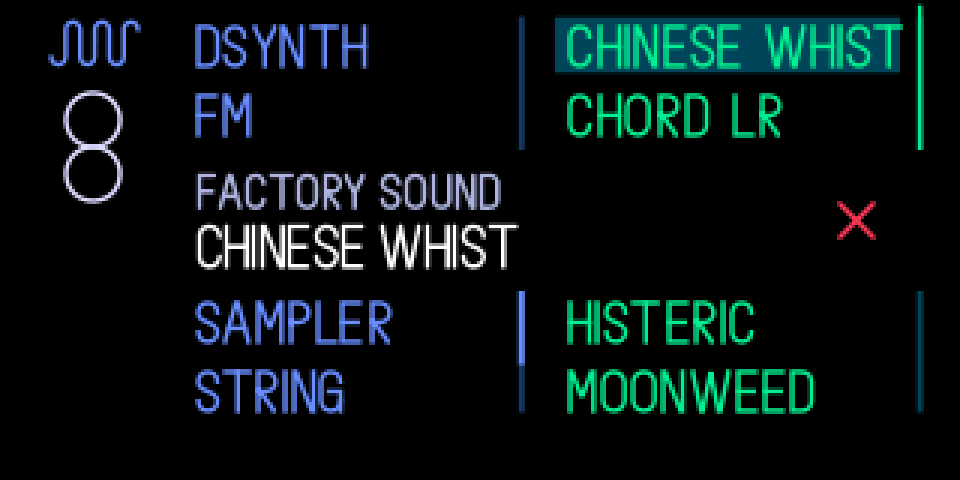
- Factory sounds can't be deleted or renamed: FACTORY SOUND shows with a red cross.
- Names: a to z and 0 to 9, up to 12. Other characters in an old name are dropped.
- DELETED or RENAMED shows with a green tick when it's done; a big drum kit takes a moment.
- A delete can't be undone. A slot that has the sound loaded keeps playing its copy; saving a snapshot from it brings the sound back.
- To put a factory kit or sound back the way it shipped, press SHIFT + DRUM (SHIFT + SYNTH for a synth sound): it reloads the slot's sound from the browser, sample included. That's TE's own and works on stock firmware too.
- Patterns aren't stored per kit: resetting or loading a kit never changes them.
- A slot you sampled into, or saved as a snapshot, has no factory sound to go back to: pick the factory one in the browser instead.