- 1SYNTH
- 2SHIFT + T1
- 3blue
2.4.1 iter (lab screen) introduction
type: iter engine with an animated lab screen · engine by te, lab screen by pcppcp / op1r ↗ (graphic from op1repacker, mit, © 2016 op1hacks)
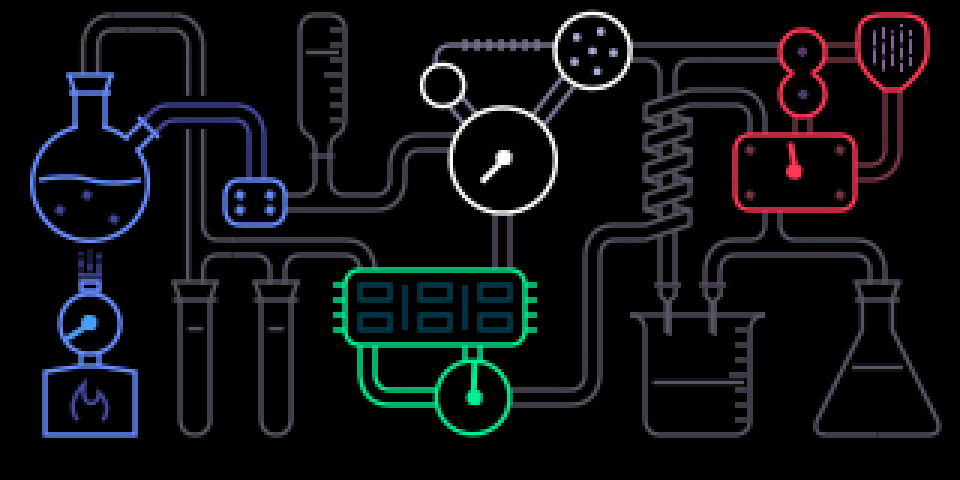
TE's iter engine, which the stock firmware hides, with an animated lab screen. The gauges follow the knobs; the bubbles, the flame, the voice dots and the note display react to what you play.
New engines are in the engine list: SYNTH, then SHIFT + T1. They come without presets, so they have no folder in the sound browser (SHIFT + 1 … 8): look in SHIFT + T1.
2.4.2 opening iter (lab screen)
step 1
SYNTH
+
step 2
SHIFT + T1
step 3
blue
SYNTH, SHIFT + T1, then turn blue to ITER.
2.4.3 tips
- Bubble speed follows the blue knob, the falling dashes follow orange.
- The flame gets brighter with the volume.