- 1SHIFT + T3
- 2blue
5.4.1 crush introduction
type: bitcrusher · by maiko
Fewer bits and a lower sample rate: from a little grit to an old games console to pure noise. A drive in front pushes the sound into a soft clip first.
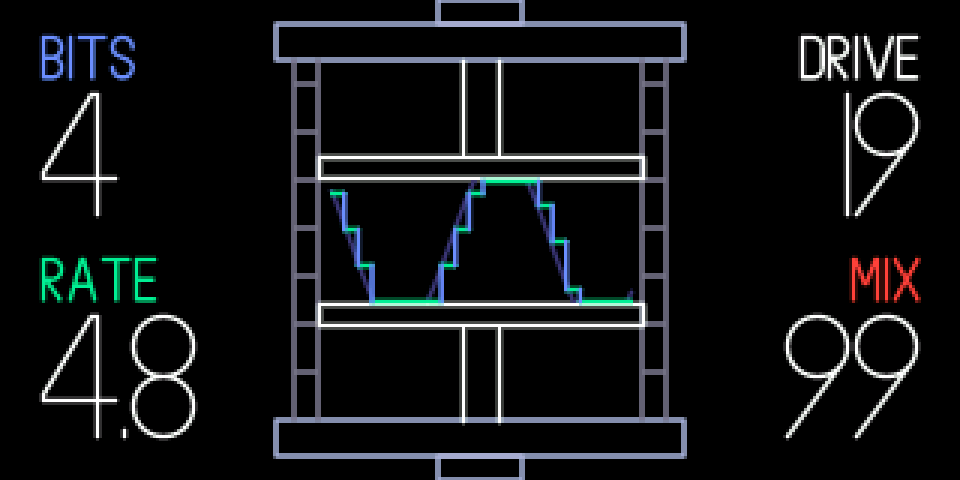
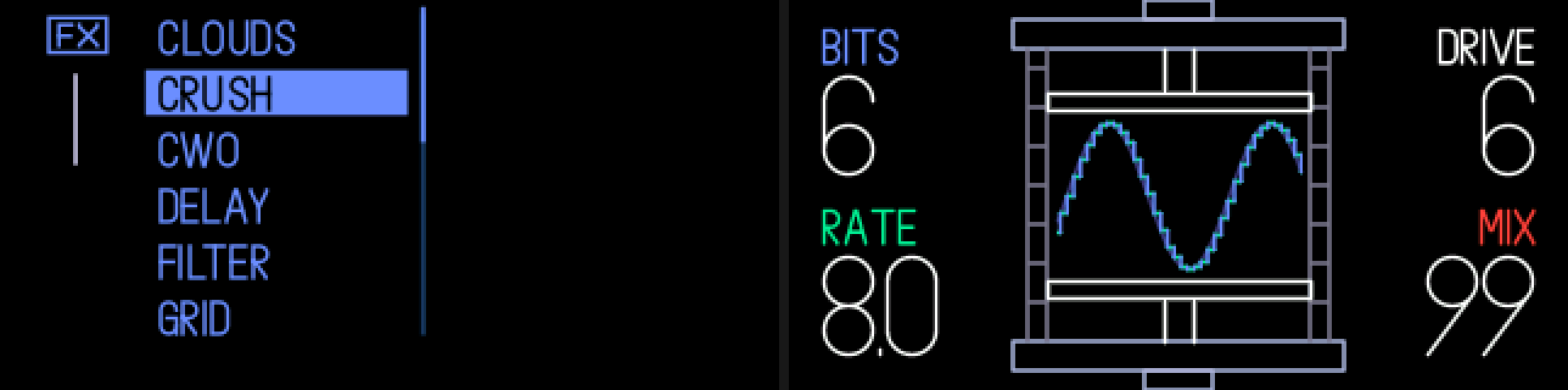
The screen is a hydraulic press. Its jaws close as you turn up the drive and flatten the wave; the wave you see is the crushed one over the clean one.
New effects are in the effects list: SHIFT + T3. They work on synths, on drums and as the master effect (MIXER, T3, then SHIFT + T3). The list also has FILTER, TE's own filter effect, which the stock firmware hides.
5.4.2 opening crush
+
step 1
SHIFT + T3
step 2
blue
SHIFT + T3, then turn blue to CRUSH.
5.4.3 knobs
turn
blue
bits: 1 to 16 (fewer = rougher)
green
rate: 345 hz to 44.1 khz
white
drive: up to +24 db into a soft clip
orange
mix: dry to crushed
5.4.4 tips
- It starts at 6 bits, 8 khz, +6 db of drive, fully crushed.
- Works on a synth, a drum kit and as the master effect (MIXER, T3, then SHIFT + T3).
- On a synth or drum it comes back switched off after a power cycle: press T3 to switch it on. Switched off, the screen dims and shows FX OFF.
- Saved as TE's filter, so a sound or master that uses it still loads on stock firmware (or op1r alone): there it is TE's filter with the same knob positions.