- TAPE + ← / →
1.1.1 undo / redo introduction
type: tape undo with up to 7 steps · by maiko
Takes back what you did to the tape, the way the OP-1 field does. Every tape edit is one step: a recording, a lift, a drop, a slide, a split, a join, a merge drop, a paste or a bounce. You can go back up to 7 steps and forward again.
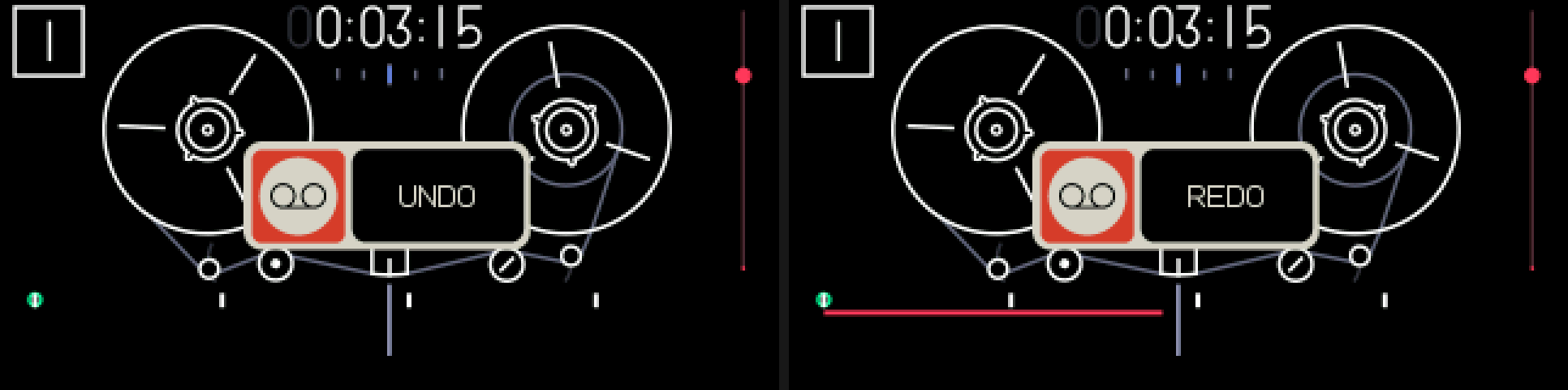
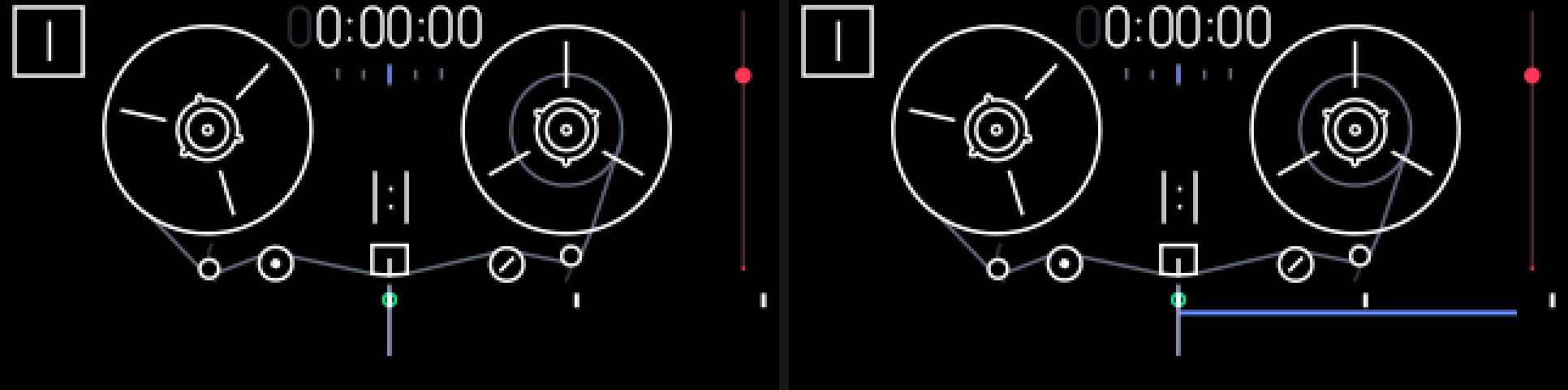
1.1.2 opening undo / redo
+/
TAPE + ← / →
Tape mode. Hold TAPE and press the arrow keys.
1.1.3 keys
+
TAPE + ←
undo the last step
+
TAPE + →
redo the step you just undid
/
← / → alone
rewind and fast-forward, as before
1.1.4 tips
- An UNDO or REDO popup shows for about a second each time. No popup means there was nothing to undo or redo.
- Doing something new after an undo throws away the steps you could have redone.
- A slide (lift and drop with the knob) is one step.
- The history survives power off.
- Erasing the whole tape and connecting in disk mode end the history: the computer could change the tape, so the old steps can't be trusted.
- Switching tapes (TAPE + T1 … T4) clears the history too: undo only ever works on the tape it was made on.
- Undo is refused while recording and while a lift or drop is still being written.
- Undo keeps its copies in the OP-1's free storage. When storage runs low it forgets the oldest steps first. Recording onto blank tape costs almost nothing. SHIFT + COM, FILE shows how much it uses (mods).